
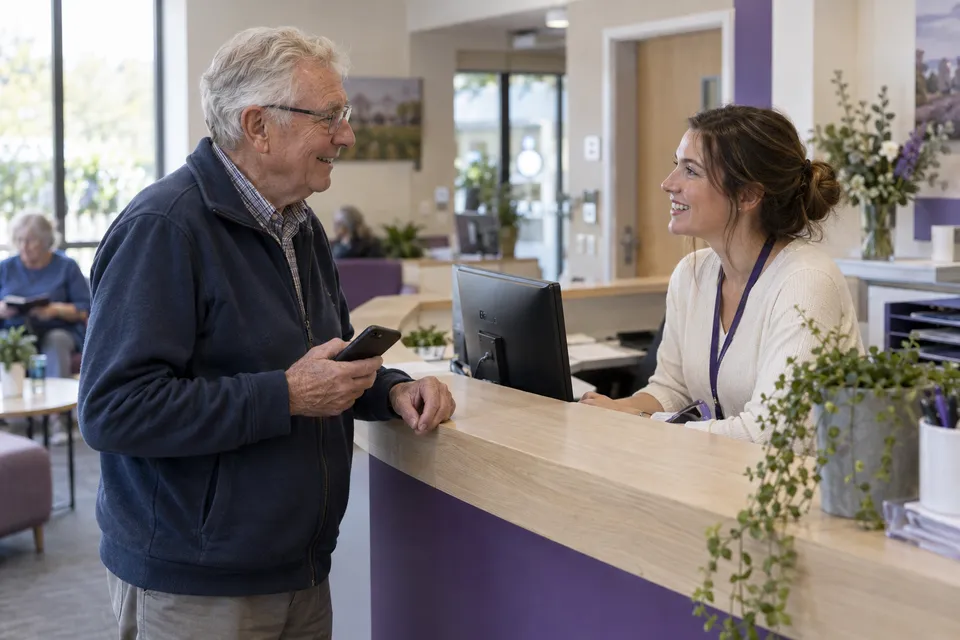
One arrival, a clear next step
A customer selects a service and joins its queue. The digital ticket shows their status on their phone. Staff can see the waiting list and call the next person from an existing computer or tablet. Discuss how booked appointments and walk-ins should share that view in your demo.
Start with what is already available
Review the browser, internet connection, device access and charging arrangements at each desk. Assign staff accounts rather than sharing a login. A dedicated kiosk, printer or queue display is not required for this approach. Software setup, connectivity and staff training still need to be planned.
Include visitors without a smartphone
A phone should make a visit easier, not become a condition of service. Plan a staff-assisted arrival option and a clear way to call visitors who cannot follow a digital ticket. Test that path alongside mobile check-in before changing how your reception works.