
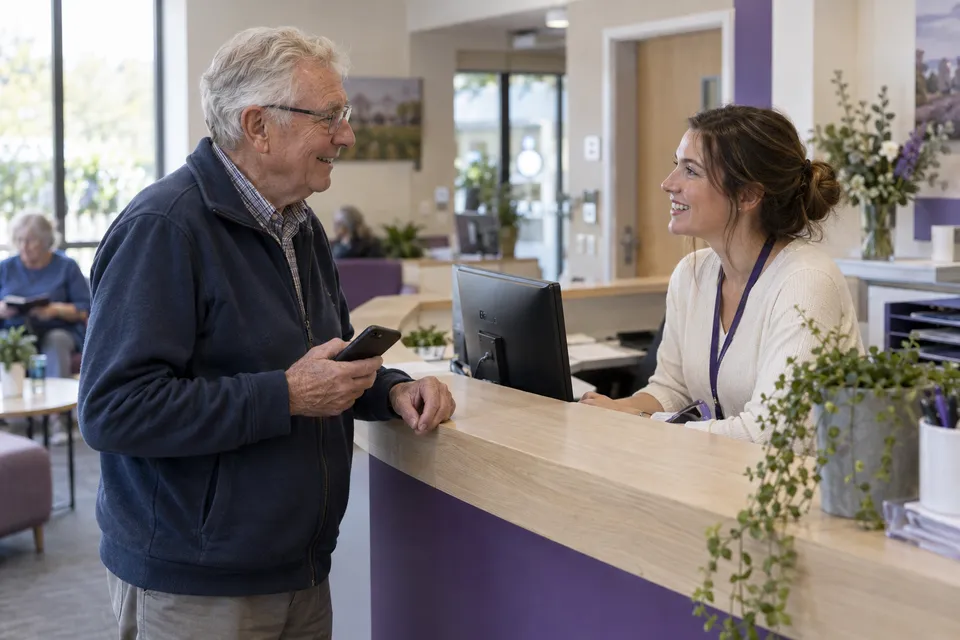
What does visit management software do?
It helps a service team organise a customer’s journey: choose a service, reserve a time or join a queue, register arrival, and move to the right member of staff. An appointment tells you who is expected; check-in tells you who has arrived; a queue shows who is waiting for service. Keeping these states distinct helps the reception team avoid treating an unarrived booking as someone already waiting.
Visitor management, booking or queue software?
The terms describe different needs. Workplace visitor management often centres on guest registration, host notification and building access. Appointment software centres on reserving time. Queue management coordinates people waiting for a service. VisitLoops focuses on the service visit across booking, arrival and the queue. If your requirement is employee access control, printed security badges or emergency evacuation management, discuss it separately: those capabilities are not offered as part of this workflow.
| Your main need | What to evaluate |
|---|---|
| Guests visiting an office | Visitor registration, host notification and any required access-control integration. |
| Customers reserving time | Service duration, availability, confirmation, rescheduling and cancellation rules. |
| Booked and walk-in service visits | Booking-to-arrival check-in, shared queue visibility and clear staff responsibilities: the VisitLoops focus. |
How a booked visit reaches your team
A customer selects a service and an available appointment. The booking-management page lets them review the reservation and, when the booking rules allow, reschedule or cancel it. On arrival, the check-in step connects the appointment to its service queue. Staff can then see the arrival and coordinate the next step. The product walkthrough shows the booking-management, rescheduling, arrival-pass and checked-in screens with demonstration data. Notification delivery requires the location’s email setup.
See the booking-to-arrival product walkthroughInclude walk-ins without losing sight of appointments
A walk-in needs a service and a place in the queue, rather than a reservation in the calendar. Start by agreeing how appointments and walk-ins share capacity. For example, a salon may reserve time for longer treatments while accepting short consultations as walk-ins. Reception checks in booked customers, registers walk-ins and handles exceptions. The provider sees the next service step. Your team must still decide how to handle late arrivals, missed appointments and urgent requests; software should make that policy visible rather than invent it.
Plan your appointment and walk-in rulesRun it on existing devices, with an assisted option
Customers can use their own phones, while staff work in a browser on an existing phone, tablet or computer. A dedicated ticket machine, kiosk or queue display is not required. Budget for software setup, reliable internet and staff training rather than assuming the whole service is free. Plan a staff-assisted path for people without a smartphone, with accessibility needs or with a flat battery. Test that path alongside mobile check-in before introducing the workflow to customers.
Explore queue management without extra hardwareWhat to bring to a visit management demo
Bring one real service, its duration and opening hours, the number of staff available, and a typical busy period. Use fictional customer details to demonstrate a booked arrival, a walk-in, a reschedule and a late customer. Check who can change each status and what each role sees. Compare pricing and setup effort with your current process, including any notification or integration requirements. VisitLoops demos are arranged around your location; requesting one does not create a live service or commit you to a purchase.