A waiting area that fills up
Let customers keep their place in a virtual queue while they wait away from the counter.
Better service. No extra hardware.
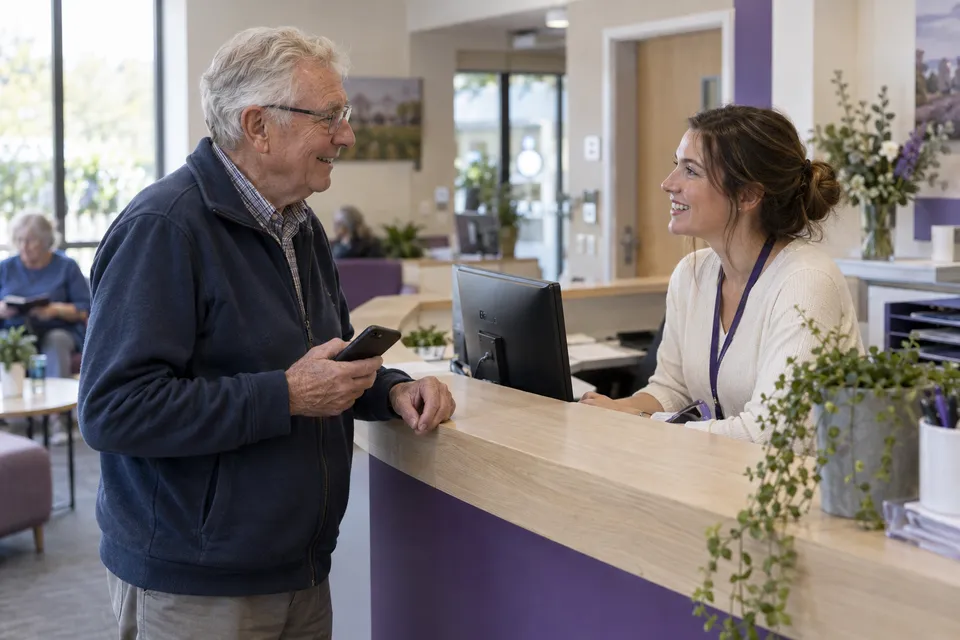
Your customers and team already have the hardware: their phones. Bring bookings and queues together on existing phones, tablets, and computers, without buying dedicated devices.
For service teams · No purchase commitment

Built around the way you serve
Before the visit. At the welcome desk.
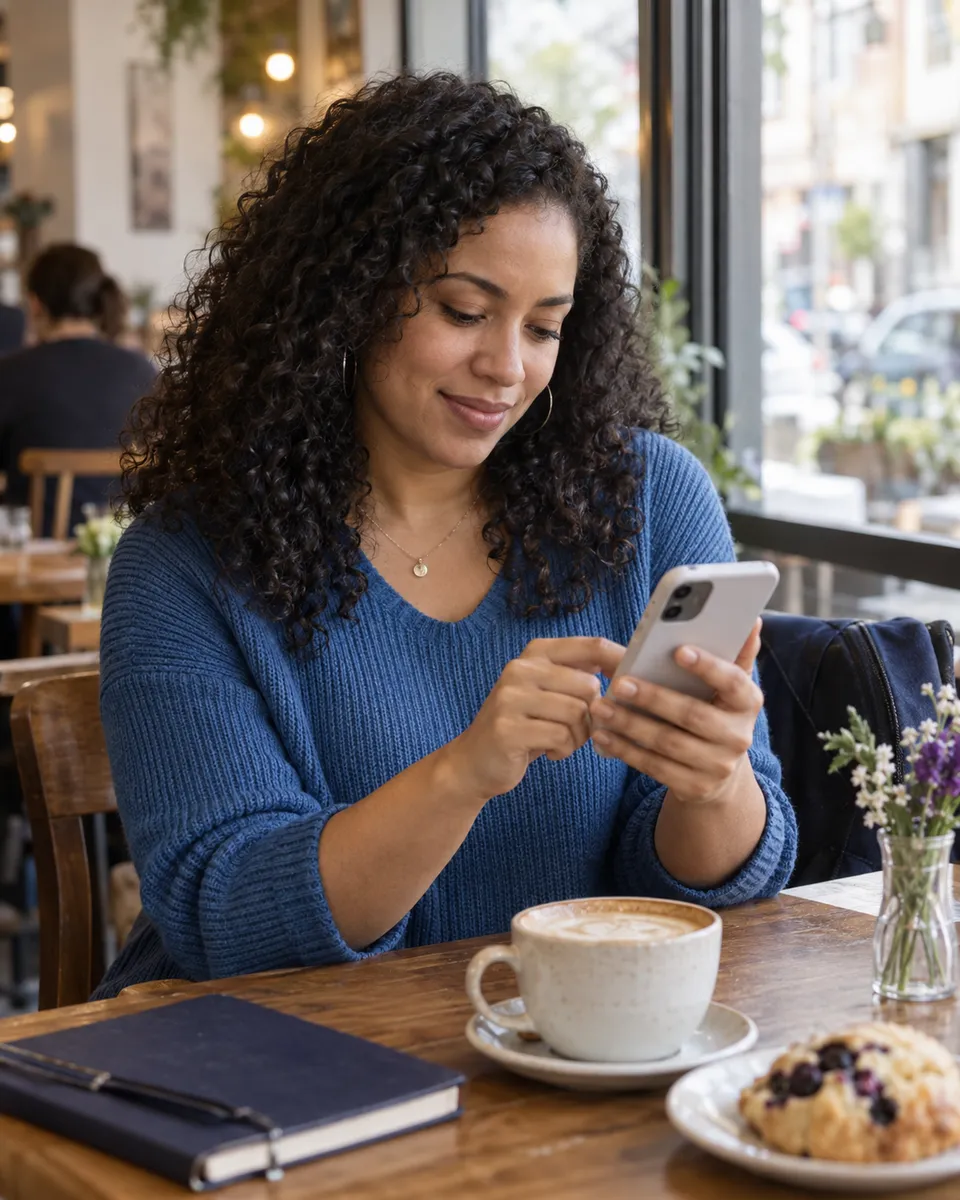
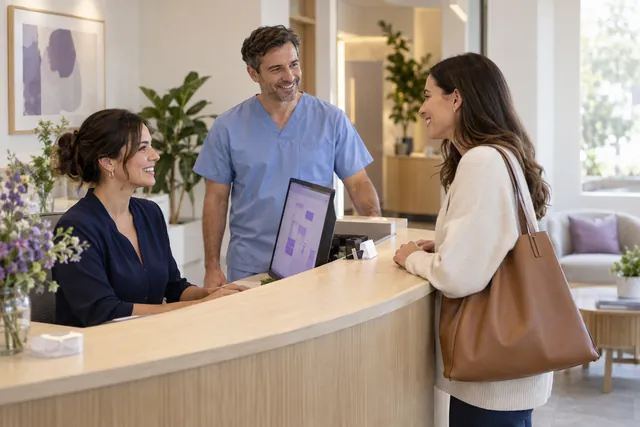
A customer finds a time on their phone. Your team is ready to welcome them. Explore how those moments could connect.
 AI assistant
Different businesses. One human experience.
Explore the moments that matter in clinics, salons, bank branches, public offices, and restaurants. Choose a scene to see how the visit could unfold.
Select a card, use the arrows, or swipe to explore.
Healthcare
A booked appointment and a walk-in arrival need different next steps. Explore a shared view of arrivals so reception staff can welcome people, see who is waiting, and coordinate the next consultation.
Explore this with your teamA possible customer journey
A patient chooses a service and a suitable appointment time.
Salons & wellness
Your customer’s next visit can start before they reach the desk. Explore choosing a service and a time on a phone, with a clear next step for the customer and the team welcoming them.
Explore this with your teamA possible customer journey
A customer explores services and chooses a time for their next salon visit.
Banking
A quick counter visit and a conversation with an advisor need different kinds of attention. Explore routing customers by service while coordinating scheduled appointments and walk-in arrivals.
Explore this with your teamA possible customer journey
A customer selects a counter service or requests time with an advisor.
Public services
Help visitors understand where to go and what happens next. Explore appointment slots and digital queues for different requests, with a shared arrival view for the service team.
Explore this with your teamA possible customer journey
A visitor chooses the type of help they need before joining the service flow.
Hospitality
A busy entrance should still feel welcoming. Explore a digital waitlist that helps guests understand their next step while the host team coordinates arrivals and table availability.
Explore this with your teamA possible customer journey
Guests tell the host about their party and join the waitlist.
AI-generated scenes illustrate possible uses of VisitLoops; they are not customer testimonials.
Start with your busiest day
Choose the problem you would most like to solve. Help shape a queue management system around the work you actually do.
Let customers keep their place in a virtual queue while they wait away from the counter.
Give customers a digital ticket and a clear view of their queue status.
Help staff manage arrivals, call the next person, and keep track of who is being served.
Use the devices you already have
Customers choose a service and get a digital ticket on their own phone. No dedicated ticket machine needed.
Customers follow their queue status on their phone. Your team sees arrivals and who is waiting on the devices already at hand.

Call the next customer and coordinate from a shared view on your existing phone, tablet, or computer. A browser and internet connection are all you need.
AI-generated scenes illustrate possible uses of VisitLoops; they are not customer testimonials.
Help shape VisitLoops
See how your organization could manage bookings and queues using the devices it already has. Request a demo around your team and the way you serve.
For people managing queues and service teams. This is not a customer booking form.
No. Customers use their own phones, and your team can use existing phones, tablets, or computers with a browser and internet connection. No dedicated kiosk, ticket printer, or queue display is required. We can also explore assisted check-in in your demo for visitors without a phone.
A virtual queue gives arriving customers a place in line for a service. Appointment booking reserves a time in advance. Teams that serve both walk-in and booked customers need a clear way to coordinate the two. A VisitLoops demo can explore that workflow for your location.
The VisitLoops demo explores choosing a service, finding an appointment time, and following queue status on a phone. Ask for a demo to discuss your mobile check-in flow, accessibility needs, and whether a browser-based experience fits your customers.
Queue management software helps service teams organize arrivals, assign queue positions, and call customers forward. A digital queue can also show customers their status instead of requiring them to keep checking at the counter.
Customers join a queue and receive a digital ticket. They can check their place while waiting away from the service desk. The exact check-in and notification options for a VisitLoops demo will be agreed with each team.
We want to hear from people who manage walk-in services: clinics, public-service offices, bank branches, restaurants, salons, and other service teams. Tell us about your setting and your busiest times.
This page is for requesting a queue-management demo. The interface shown is an illustrative example. Requesting a demo does not create a live queue, reserve a launch date, or commit you to a purchase.
No. A demo request tells us you want to explore queue management for your team. Product scope and pricing can be discussed before you make a purchasing decision. No payment information is requested here.
Your request is saved for the VisitLoops team to review. We will use your email to follow up about your queue and arrange a demo conversation. Submitting the form does not reserve an appointment or guarantee a reply date.
Explore VisitLoops
Practical workflows, useful guides, and a closer look at the product.
Explore digital queues on existing phones, tablets and computers. No dedicated ticket machine or kiosk required. Request a VisitLoops demo.
Explore For your service teamExplore a booking-to-arrival workflow for teams serving appointments and walk-ins. Coordinate check-in, queues and service on existing devices.
Explore For your service teamExplore appointment booking and walk-in coordination for salons and wellness teams. Use existing phones and tablets. Request a VisitLoops demo.
Explore Practical guideA practical guide to capacity, arrival rules and staff responsibilities when booked customers and walk-ins use the same services.
Explore Practical guideCompare device needs, assisted access, maintenance and service workflows before choosing a digital queue or a dedicated ticket machine.
Explore For your service teamExplore the VisitLoops booking-to-arrival workflow: choose a service, manage a booking, check in and coordinate the next step with the team.
Explore